
Creating a productive home office environment is essential for anyone working remotely. The right space not only improves focus but also supports a healthier, more balanced workday. Whether you’re new to working from home or looking to upgrade your current setup, these tips will help you design a workspace that helps you achieve your best.
Choose the Right Location
Finding the best spot for your home office is the first step. Ideally, select a quiet area away from household distractions, such as busy kitchens or living rooms. A spare room or a corner in a bedroom might work well. If space is limited, consider using room dividers or screens to create a distinct work zone.
Prioritise Comfort and Ergonomics
Your comfort directly affects how long you can work productively without fatigue or discomfort.
– Invest in a good chair: An adjustable office chair with good lumbar support can prevent back pain.
– Desk height: Your desk should allow your elbows to rest at a 90-degree angle when typing.
– Screen placement: Position your monitor so that the top is at eye level, reducing neck strain.
– Lighting: Use natural light whenever possible. Position your desk near a window, but avoid glare on your screen.
– Keyboard and mouse: Consider ergonomic options to avoid wrist strain.
Organise and Declutter
A tidy workspace fosters mental clarity.
– Storage solutions: Use shelves, drawers, or filing cabinets to keep essentials organised.
– Cable management: Use clips or cable trays to prevent tangles and create a clean look.
– Minimalist approach: Keep only necessary items on your desk to reduce distractions.
Establish a Routine and Boundaries
Working from home can blur the line between personal and professional life. Setting boundaries helps maintain productivity.
– Set regular hours: Define when your workday starts and ends.
– Take breaks: Follow the Pomodoro technique or take short walks to refresh your mind.
– Communicate boundaries: Let family or housemates know your working hours to minimise interruptions.
Personalise Your Space
While functionality is key, adding personal touches can make your office more inviting.
– Plants: Studies show greenery can improve mood and air quality.
– Artwork or photographs: Use pictures that inspire or calm you.
– Comfort items: A soft rug or cushions can enhance comfort without cluttering your space.
Use Technology Wisely
Equip your home office with the necessary tech tools that make work smoother.
– Reliable internet connection: Essential for video calls and online collaboration.
– Noise-cancelling headphones: Helps block out background noise.
– Organisational apps: Tools like calendars, to-do lists, or project management apps keep you on track.
Manage Noise and Distractions
Unwanted noise and interruptions can reduce work efficiency.
– Soundproofing: Use rugs, curtains, or foam panels to absorb sound.
– White noise machines: These can mask distracting noises.
– Set ‘do not disturb’ signs: This signals to others when you need uninterrupted focus time.
Ensure Good Air Quality and Temperature
Physical comfort impacts mental focus.
– Ventilation: Keep windows open when possible to allow fresh air.
– Air purifiers: These can improve air quality, particularly in smaller spaces.
– Temperature control: Use fans, heaters, or thermostats to maintain a comfortable room temperature.
Keep Healthy Habits
Your workspace can encourage or discourage healthy routines.
– Hydration: Keep a water bottle nearby.
– Movement: Stand up and stretch regularly or consider a sit-stand desk.
– Eye care: Follow the 20-20-20 rule — every 20 minutes, look at something 20 feet away for 20 seconds.
—
By thoughtfully organising your home office, you create a space that supports focus, comfort, and efficiency. Small changes can make a big difference in your work quality and overall well-being. Start with these tips and adjust your setup to suit your personal needs and preferences.
Related Posts
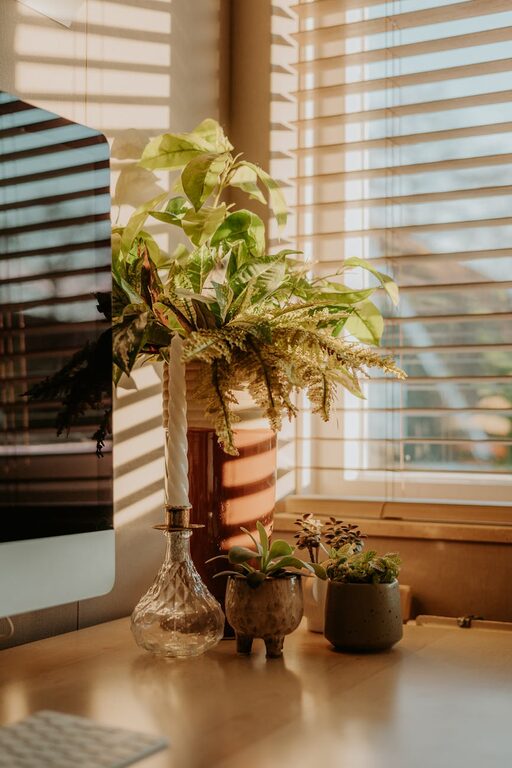
Tips for Creating a Cosy and Inviting Home Workspace
Creating a cosy and inviting home workspace can make a…
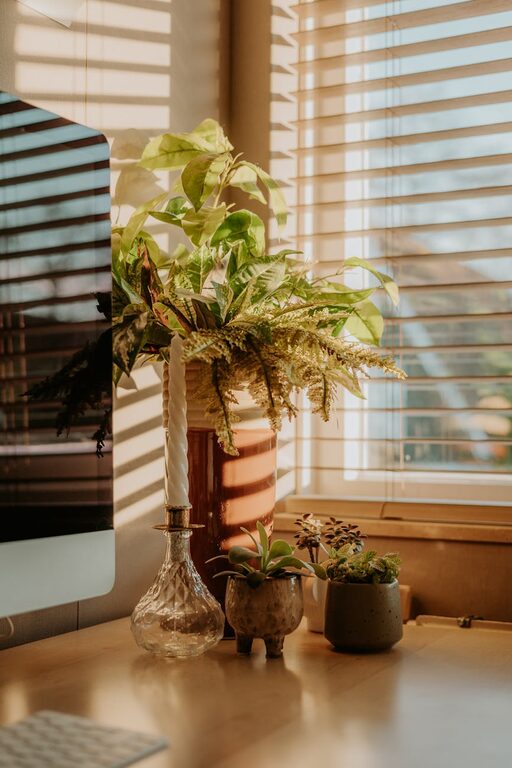
Tips for Creating a Productive Home Office Environment
Creating a productive home office environment is essential for anyone…
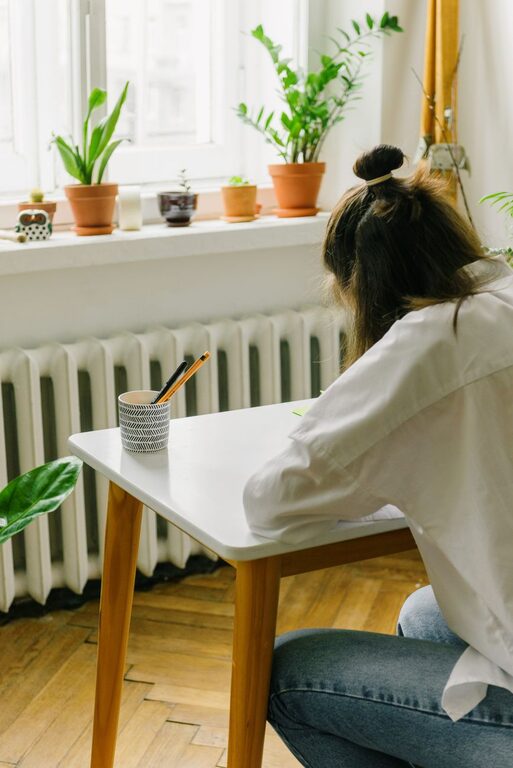
Tips for Creating a Productive Home Workspace to Boost Focus and Creativity
Creating a productive home workspace is essential for anyone working…